App Rejected by the App Store or Google Play? Common Reasons and How to Get Approved Fast
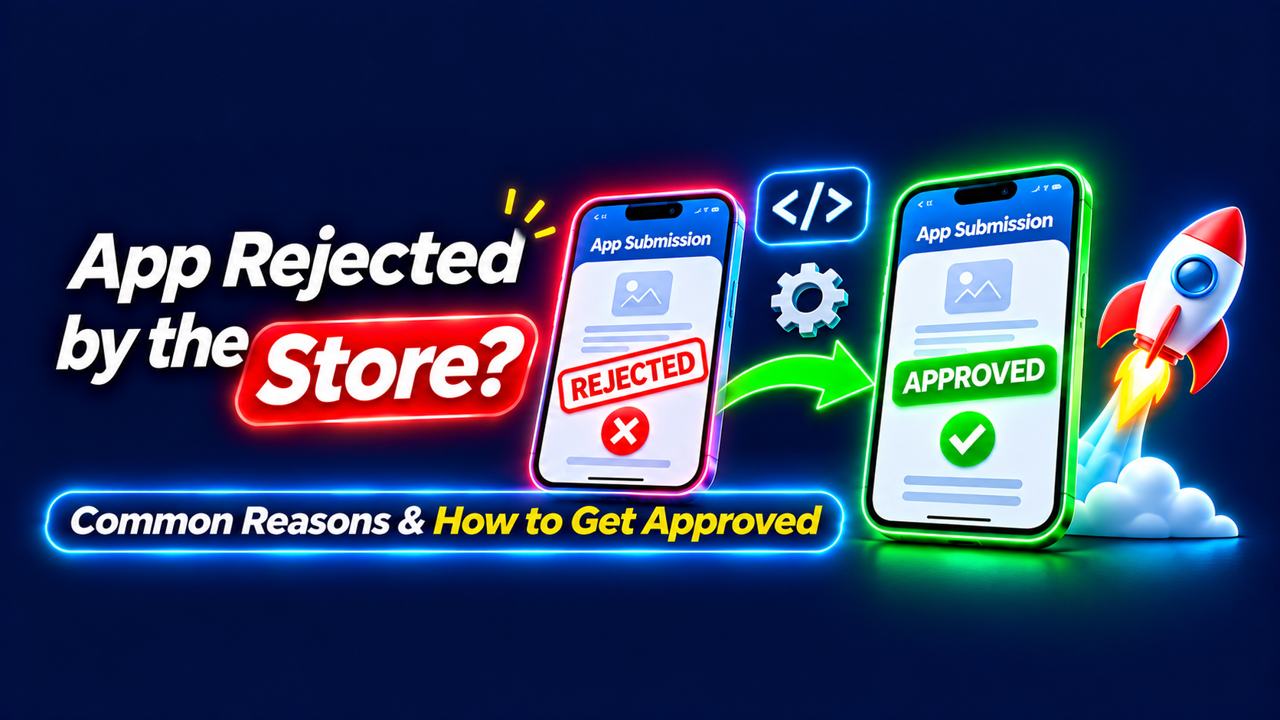
Your launch date is set and the app gets rejected. Here are the reasons Apple and Google reject apps most often, what each one really means, and how to fix and resubmit without losing weeks.
Newon Lab Team
Newon Lab
How long does Apple app review take?
Many apps are reviewed within a day or two, though times vary. A rejection adds another review cycle, so fixing everything in one pass saves time.
Key takeaways
- Most common Apple App Store rejection reasons
- Most common Google Play rejection reasons
- How to fix and resubmit quickly
- Build it right from the start
- A pre-submission checklist
- An illustrative example
You've spent months building your app, booked the launch campaign, and then the email arrives: your submission was rejected. App Store and Google Play rejections are common, even for experienced teams. The key is to understand exactly what the reviewer saw and fix it in one pass.
Policies change often, so always read the guideline cited in your rejection and check the current versions of Apple's App Review Guidelines and the Google Play Policy Center.
Most common Apple App Store rejection reasons
Crashes, bugs and incomplete features (Guideline 2.1)
Reviewers test on real devices. Crashes, broken links, placeholder content or features that don't work lead to quick rejections. Test on several devices and iOS versions before submitting.
No demo account or unclear review notes
If the app needs a login, provide a working demo account and explain any hardware, location or setup requirements in the review notes.
Privacy problems (Guideline 5.1)
Missing privacy policy, inaccurate privacy labels, asking for permissions without a clear reason, or no in-app account deletion when users can create accounts.
Minimum functionality and spam (Guidelines 4.2 and 4.3)
Apps that are just a website in a wrapper, or near-copies of other apps, get rejected. Add genuine native value: push notifications, offline features, device integrations or a better experience than the mobile site.
Payments for digital content (Guideline 3.1)
Selling digital goods or subscriptions inside an iOS app generally requires Apple's in-app purchase system, with some regional and category exceptions. Physical goods and real-world services use normal payment methods.
Login options (Guideline 4.8)
If you offer third-party social login, Apple may require an equivalent privacy-focused login option such as Sign in with Apple.
Most common Google Play rejection reasons
- Data safety form that doesn't match what the app actually collects
- Sensitive permissions (SMS, call logs, location in the background) without an approved use case
- Target API level below Google's current requirement
- Deceptive behavior or misleading store listing claims
- Missing account deletion option for apps with accounts
- Testing requirements for new personal developer accounts, which must run a closed test with a minimum number of testers before production access
How to fix and resubmit quickly
- Fix every point in the rejection, not just the first one
- Check related issues the reviewer didn't mention yet
- Write a short, polite note explaining what changed and where to find it
- Attach screenshots or a screen recording for anything unusual
- If you disagree, reply with facts or use the appeal process
Build it right from the start
Most rejections are preventable with a pre-submission checklist: privacy, payments, permissions, account deletion, metadata and device testing. Our mobile app development team runs that checklist on every iOS and Android release.
A pre-submission checklist
- Tested on several real devices and OS versions, with no crashes or placeholder screens
- Working demo account and clear review notes
- Privacy policy URL that works and matches what the app collects
- App Store privacy labels and Google Play Data safety form completed accurately
- Permission prompts explain why each permission is needed
- In-app account deletion if users can create accounts
- Correct payment method for digital versus physical goods
- Screenshots and descriptions that match the current app, with no misleading claims
- Target SDK and API levels that meet current store requirements
An illustrative example
Consider a fitness startup whose app is rejected twice: first because the reviewer couldn't log in, then because premium workout plans were sold through a web payment link inside the iOS app. The fix is to supply a demo account with sample data, move the digital subscription to in-app purchase on iOS, and explain both changes in the review notes. Fixing both issues in one submission would have saved a week.
Frequently asked questions
How long does Apple app review take?
Many apps are reviewed within a day or two, though times vary. A rejection adds another review cycle, so fixing everything in one pass saves time.
Do I need account deletion in my app?
If your iOS app lets users create an account, Apple requires that they can also start account deletion from within the app. Google Play also requires a way to request account and data deletion.
Can I appeal an App Store rejection?
Yes. You can reply in App Store Connect to clarify, or submit an appeal to the App Review Board if you believe the decision is wrong. Often a clear explanation and demo account resolve it.
Get it fixed without the guesswork
If your app has been rejected or you're about to submit for the first time, you don't have to work through this list alone. Newon Lab's mobile app developers review rejection notices, fix the code and store listing, and handle resubmission so you launch on schedule. Start with a free website and SEO audit, or book a free 30-minute consultation and we'll tell you exactly what's wrong and what it will cost to fix. You can also compare our transparent pricing plans before you talk to anyone.
Key facts
- Step 1
- Read the exact guideline cited in the rejection messageNewon Lab analysis
- Step 2
- Reproduce and fix crashes on real devicesNewon Lab analysis
- Step 3
- Provide a working demo account and review notesNewon Lab analysis
- Step 4
- Complete privacy labels, Data safety form and privacy policyNewon Lab analysis
- Step 5
- Add required features such as in-app account deletionNewon Lab analysis
Last verified 2026-11-02
Frequently asked questions
How long does Apple app review take?+
Many apps are reviewed within a day or two, though times vary. A rejection adds another review cycle, so fixing everything in one pass saves time.
How long does Apple app review take?+
Many apps are reviewed within a day or two, though times vary. A rejection adds another review cycle, so fixing everything in one pass saves time.
Do I need account deletion in my app?+
If your iOS app lets users create an account, Apple requires that they can also start account deletion from within the app. Google Play also requires a way to request account and data deletion.
Can I appeal an App Store rejection?+
Yes. You can reply in App Store Connect to clarify, or submit an appeal to the App Review Board if you believe the decision is wrong. Often a clear explanation and demo account resolve it.
Sources
Ready to Build Something Great?
Newon Lab builds premium digital products and provides full-stack agency services that deliver real results.
Comments (2)
Excellent article! Really well explained.
This changed how our team thinks about the problem. Thank you.
Leave a Comment
About the Author
Newon Lab Team
Newon Lab Expert
Practitioner and writer at Newon Lab covering technology, architecture, and digital strategy.
Article Analytics

Need a Custom Solution?
Our team builds bespoke digital products and full-stack applications.
Get Free Consultation