Google Business Profile Suspended? How to Get It Reinstated and Protect Your Local Leads
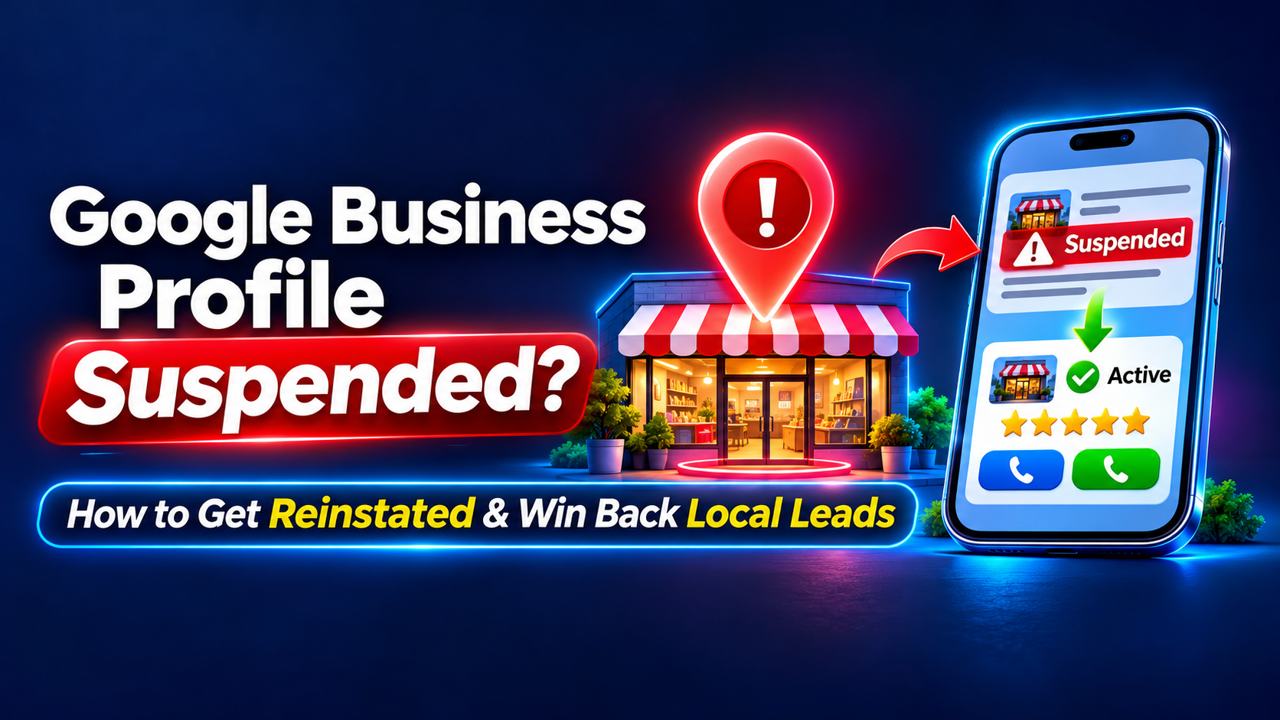
Your phone stopped ringing because your Google Business Profile was suspended. Here is why it happens, how to file a reinstatement request that actually gets approved, and how to keep your listing safe.
Newon Lab Team
Newon Lab
How long does Google Business Profile reinstatement take?
Most reviews are completed within a few days to a few weeks. Sending clear, matching evidence the first time is the best way to avoid a longer back-and-forth.
Key takeaways
- Suspended or disabled: what's the difference?
- The most common reasons profiles get suspended
- Step-by-step: how to get your Google Business Profile reinstated
- How to protect your profile from future suspensions
- Don't put all your leads in one listing
- Mistakes that make a suspension worse
- An illustrative example
For many local businesses, the Google Business Profile is the single biggest source of leads. It's the listing that shows up in Google Maps and the "near me" results, with your phone number, directions button, reviews and photos. So when it gets suspended, the calls and walk-ins can stop overnight.
The good news: most suspensions can be reversed if you understand why Google flagged the listing and give them the proof they need. This guide walks through the reasons, the reinstatement process and the habits that keep your profile safe.
Suspended or disabled: what's the difference?
Google now shows a status message inside your Business Profile dashboard. Broadly there are two situations:
- The profile is suspended or disabled and no longer appears on Maps or Search. Customers can't find you at all.
- You lost the ability to manage it, but it may still be visible. This often happens when Google can't confirm you are an authorized owner.
Read the exact message Google shows you. It usually points to the policy area involved, which tells you what to fix before you appeal.
The most common reasons profiles get suspended
- Keyword stuffing in the business name. "Smith Plumbing – Best Emergency Plumber Dallas" instead of your real name, "Smith Plumbing".
- An ineligible address. Virtual offices, mailboxes, PO boxes and coworking desks where you don't actually serve customers.
- Showing a home address as a service-area business. If you go to customers, the address should be hidden and a service area set instead.
- Duplicate listings for the same business at the same location.
- Sudden edits to the name, address or category, especially several at once.
- Suspicious activity, such as fake reviews, review gating, or many managers being added at once.
- Ineligible business types, like online-only stores with no customer contact, or rental and lead-gen listings that don't represent a real business.
Step-by-step: how to get your Google Business Profile reinstated
1. Fix the problem before you appeal
Don't appeal first and fix later. Change the business name to exactly what appears on your signage and documents, correct the address or switch to a service area, merge or remove duplicates, and choose the category that best describes your core business.
2. Gather evidence that matches your listing
Google reviewers are checking one thing: is this a real business at this location, run by you? Prepare clear files that all show the same name and address:
- Business registration or license
- A recent utility bill or lease in the business name
- Photos of the storefront with permanent signage, showing the street number if possible
- Photos of the inside of the premises, branded vehicles or equipment
- Your website with the same name, address and phone number (NAP)
Google may also ask for a short, continuous video verification. Plan to show the street, your signage, and you unlocking the door or accessing the business area.
3. Submit the request from your profile
Sign in with the owner account, open your profile and follow the appeal or reinstatement prompt. Upload your evidence and keep explanations short and factual. One complete request is far better than several partial ones.
4. Wait and don't create a new listing
Creating a replacement profile while the old one is under review looks like a duplicate and can make things worse. Keep collecting leads through your website, Google Ads and social channels while you wait.
How to protect your profile from future suspensions
- Keep the business name identical to your real-world branding.
- Make edits one at a time and only when something genuinely changes.
- Limit managers to people who need access and use two-step verification on the owner account.
- Ask real customers for reviews and never buy or incentivize them.
- Keep your name, address and phone number consistent across your website, directories and social profiles.
- Post updates and photos regularly so the listing looks actively managed.
Don't put all your leads in one listing
A suspension is a warning sign that your business depends on a single channel. A fast, SEO-optimized website with location pages, plus Google Ads for high-intent searches, keeps calls coming even if Maps has a bad week.
Mistakes that make a suspension worse
- Appealing several times in a row. Multiple incomplete requests slow the review down. Send one complete request with all the evidence.
- Sending documents that don't match. If your license says "Smith Plumbing LLC" and the listing says "Smith Emergency Plumbing", the reviewer sees a mismatch. Make the listing match your documents, not the other way around.
- Hiding the real problem. If you were using a virtual office, say you've switched to a service-area setup rather than hoping it goes unnoticed.
- Buying a "guaranteed reinstatement" service. No third party can guarantee a decision Google makes. Be careful with anyone who asks for your owner login.
An illustrative example
Imagine a home-cleaning company that listed a coworking address to look established. After a name change that added "Best Cleaners", the profile was suspended. The fix was to remove the extra words from the name, hide the address and set a service area covering the towns they actually serve, then appeal once with a business registration, an invoice showing the business name and photos of their branded vehicle. That combination of a compliant listing and matching proof is what reviewers look for.
Frequently asked questions
How long does Google Business Profile reinstatement take?
Most reviews are completed within a few days to a few weeks. Sending clear, matching evidence the first time is the best way to avoid a longer back-and-forth.
Will I lose my reviews if my profile is suspended?
Reviews are usually hidden while a profile is suspended and come back when it is reinstated. Creating a brand-new listing instead often means starting from zero and can be treated as a duplicate.
Can I use a virtual office or coworking address?
Generally no. Google expects a real location where you meet customers, or a service-area setup with the address hidden. Virtual offices and mailboxes are a common cause of suspensions.
Get it fixed without the guesswork
If your profile is suspended and leads have dried up, you don't have to work through this list alone. Newon Lab's local SEO team prepares compliant listings, reinstatement evidence and the website and citation fixes that make your business look legitimate to Google. Start with a free website and SEO audit, or book a free 30-minute consultation and we'll tell you exactly what's wrong and what it will cost to fix. You can also compare our transparent pricing plans before you talk to anyone.
Key facts
- Step 1
- Find out whether the profile is suspended or disabled in your Business Profile dashboardNewon Lab analysis
- Step 2
- Fix every guideline issue before you appealNewon Lab analysis
- Step 3
- Collect proof: business license, utility bill, storefront and signage photosNewon Lab analysis
- Step 4
- Submit the reinstatement or appeal request from your profileNewon Lab analysis
- Step 5
- Wait for review and do not create a duplicate listingNewon Lab analysis
Last verified 2026-11-02
Frequently asked questions
How long does Google Business Profile reinstatement take?+
Most reviews are completed within a few days to a few weeks. Sending clear, matching evidence the first time is the best way to avoid a longer back-and-forth.
How long does Google Business Profile reinstatement take?+
Most reviews are completed within a few days to a few weeks. Sending clear, matching evidence the first time is the best way to avoid a longer back-and-forth.
Will I lose my reviews if my profile is suspended?+
Reviews are usually hidden while a profile is suspended and come back when it is reinstated. Creating a brand-new listing instead often means starting from zero and can be treated as a duplicate.
Can I use a virtual office or coworking address?+
Generally no. Google expects a real location where you meet customers, or a service-area setup with the address hidden. Virtual offices and mailboxes are a common cause of suspensions.
Sources
Ready to Build Something Great?
Newon Lab builds premium digital products and provides full-stack agency services that deliver real results.
Comments (2)
Excellent article! Really well explained.
This changed how our team thinks about the problem. Thank you.
Leave a Comment
About the Author
Newon Lab Team
Newon Lab Expert
Practitioner and writer at Newon Lab covering technology, architecture, and digital strategy.
Article Analytics
Need a Custom Solution?
Our team builds bespoke digital products and full-stack applications.
Get Free Consultation