Missing Customer Calls and Messages? How an AI Chatbot and WhatsApp Automation Capture Every Lead 24/7
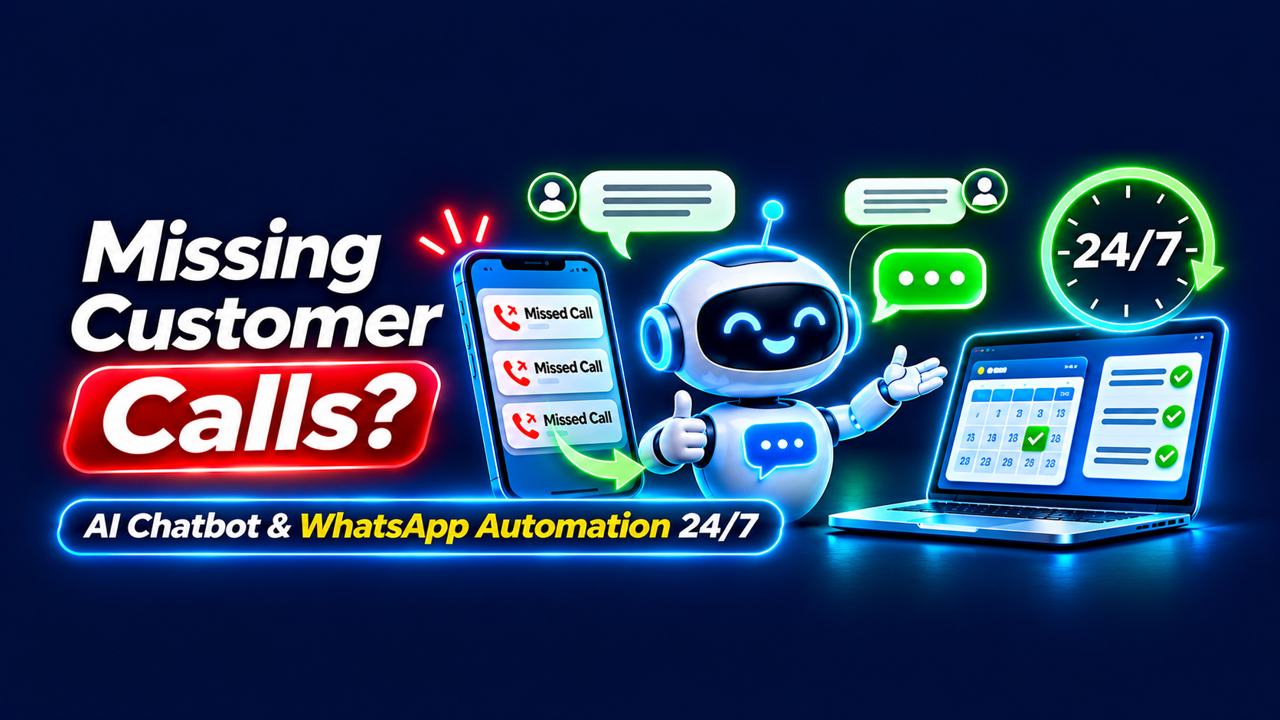
Every unanswered call, slow reply and after-hours message is a lead going to a competitor. Here is how AI chatbots and WhatsApp automation answer instantly, qualify leads and book appointments, without replacing your team.
Newon Lab Team
Newon Lab
Will an AI chatbot replace my customer service team?
No. A good setup handles repetitive questions and after-hours enquiries, then hands complex or high-value conversations to a person with the full context.
Key takeaways
- The real cost of missed messages
- What an AI chatbot actually does
- Why WhatsApp matters
- What a good setup looks like
- Who benefits most
- Mistakes to avoid with chatbots
- An illustrative example
Customers expect fast answers. If they call during a busy afternoon and nobody picks up, or send a WhatsApp message at 10 pm and hear nothing until tomorrow, many simply contact the next business on Google. For service businesses, clinics, real estate, education and ecommerce, slow response is one of the most expensive leaks in the sales process.
An AI chatbot, connected to your website, WhatsApp and social inboxes, fixes that leak without hiring a night shift.
The real cost of missed messages
- Leads go cold quickly; the first business to reply often wins the job
- Staff spend hours answering the same questions about prices, hours and availability
- Enquiries are scattered across phone, WhatsApp, Instagram, Facebook and email
- No one knows how many leads were lost because they were never recorded
What an AI chatbot actually does
- Answers instantly using your services, prices, policies and FAQs
- Qualifies leads by asking budget, location, timeline and requirements
- Books appointments directly into your calendar
- Captures details and pushes them into your CRM or Google Sheet
- Follows up with reminders and quotes on WhatsApp or email
- Hands over to a human with the full conversation when needed
Why WhatsApp matters
In many markets WhatsApp is where customers already talk. The WhatsApp Business Platform (the API) lets you run an automated assistant, give several team members one shared inbox, send approved template messages like booking confirmations, and connect everything to your CRM. It's a big step up from replying from a single phone.
What a good setup looks like
1. Start with your top 20 questions
Pull them from your inbox, call notes and staff. These become the core of the bot's knowledge.
2. Connect real systems
A chatbot that can check your calendar, look up an order or create a CRM record is far more useful than one that only chats.
3. Set clear handover rules
Complaints, complex quotes and VIP customers should go to a person fast. The bot's job is to make that handover smooth.
4. Keep it honest and on-brand
Tell users they're chatting with an assistant, keep answers grounded in your own content, and write in your brand's voice.
5. Review and improve weekly
Read conversations, find questions the bot struggled with, and update its knowledge. Track leads captured, bookings and response time.
Who benefits most
Clinics and salons booking appointments, real estate agents qualifying buyers, coaching and education businesses answering course questions, ecommerce stores handling order status, and agencies capturing project enquiries all see fast results.
Mistakes to avoid with chatbots
- Trying to automate everything on day one. Start with the questions you answer most and expand from there.
- No way to reach a human. Always give customers a clear option to talk to a person.
- Letting the bot guess. Keep answers grounded in your own approved content, and have it say "let me connect you with the team" when it doesn't know.
- Ignoring privacy. Only collect the details you need, explain how you use them, and follow WhatsApp's rules on opt-in and message templates.
- Never reading the transcripts. Conversations are the best source of new FAQs and of customer objections your sales team should know about.
An illustrative example
Think of a dental clinic whose front desk can't answer the phone while checking patients in. A website and WhatsApp assistant answers questions about treatments, insurance and opening hours, offers available appointment slots from the clinic calendar, and sends a reminder the day before. Anything clinical or urgent is handed to staff straight away with the conversation attached. The receptionist spends less time on repeat questions and evening enquiries become booked appointments by morning.
Frequently asked questions
Will an AI chatbot replace my customer service team?
No. A good setup handles repetitive questions and after-hours enquiries, then hands complex or high-value conversations to a person with the full context.
What is the difference between the WhatsApp Business app and the WhatsApp Business API?
The app suits one or two people replying from a phone. The API (WhatsApp Business Platform) supports multiple agents, automation, chatbots and CRM integration at scale.
How long does it take to launch a chatbot?
A focused chatbot that answers FAQs, captures leads and books appointments can typically go live in a few weeks, then improves as it learns from real conversations.
Get it fixed without the guesswork
If you're losing leads to missed calls and slow replies, you don't have to work through this list alone. Newon Lab builds AI chatbots and AI agents for websites, WhatsApp and Instagram, connected to your calendar and CRM through process automation. Start with a free website and SEO audit, or book a free 30-minute consultation and we'll tell you exactly what's wrong and what it will cost to fix. You can also compare our transparent pricing plans before you talk to anyone.
Key facts
- Step 1
- List the questions customers ask most oftenNewon Lab analysis
- Step 2
- Choose channels: website chat, WhatsApp, Instagram DMsNewon Lab analysis
- Step 3
- Connect the bot to your knowledge base, calendar and CRMNewon Lab analysis
- Step 4
- Define when the bot hands over to a humanNewon Lab analysis
- Step 5
- Launch, review conversations weekly and improve answersNewon Lab analysis
Last verified 2026-11-02
Frequently asked questions
Will an AI chatbot replace my customer service team?+
No. A good setup handles repetitive questions and after-hours enquiries, then hands complex or high-value conversations to a person with the full context.
Will an AI chatbot replace my customer service team?+
No. A good setup handles repetitive questions and after-hours enquiries, then hands complex or high-value conversations to a person with the full context.
What is the difference between the WhatsApp Business app and the WhatsApp Business API?+
The app suits one or two people replying from a phone. The API (WhatsApp Business Platform) supports multiple agents, automation, chatbots and CRM integration at scale.
How long does it take to launch a chatbot?+
A focused chatbot that answers FAQs, captures leads and books appointments can typically go live in a few weeks, then improves as it learns from real conversations.
Sources
Ready to Build Something Great?
Newon Lab builds premium digital products and provides full-stack agency services that deliver real results.
Comments (2)
Excellent article! Really well explained.
This changed how our team thinks about the problem. Thank you.
Leave a Comment
About the Author
Newon Lab Team
Newon Lab Expert
Practitioner and writer at Newon Lab covering technology, architecture, and digital strategy.
Article Analytics
Related Articles

Need a Custom Solution?
Our team builds bespoke digital products and full-stack applications.
Get Free Consultation